IAP can offer a one time remote support session. In order to use this service please contact IAP and speak with one of the team.
When the IAP technician provides you with your personal code, enter it in the box below and click on the “CONNECT TO IAP” button.
This will start the download of a small program which you must run on your computer.
The program will usually be in your Downloads folder and needs to be double-clicked to run.
If prompted by Microsoft Windows UAC, please click OK.
When you receive the request for our technician to control or view your desktop, please click OK.
Please ensure that you only allow remote access to your PC by someone you trust. If you’re not sure a request is genuine, check with IAP through the helpdesk before you connect.
The code above can be used for us to access your mobile device. Download the app by scanning the QR code below.
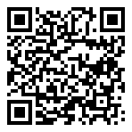
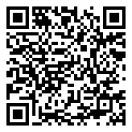
*** You may be asked by an IAP technician to download and install software to allow us to help you. There are two links below. Use the link advised by the technician ***